Describe the finished object
A card, a rigid label and a fabric tote ask different things of the material. Record the surface, expected handling and care. Check the material maker’s compatibility instructions for that use rather than treating every colorful sheet as interchangeable.
Follow the correct orientation rule
Cut iron-on often involves a liner and an orientation step before cutting. Printable transfer products may use a different sequence; some explicitly say not to mirror. Read the exact product instructions and inspect the preview before using the final sheet.
Cricut: printable iron-on instructions ↗ — This particular printable product is not mirrored. Its printer, heat and care rules are product-specific.
Bring the application instructions
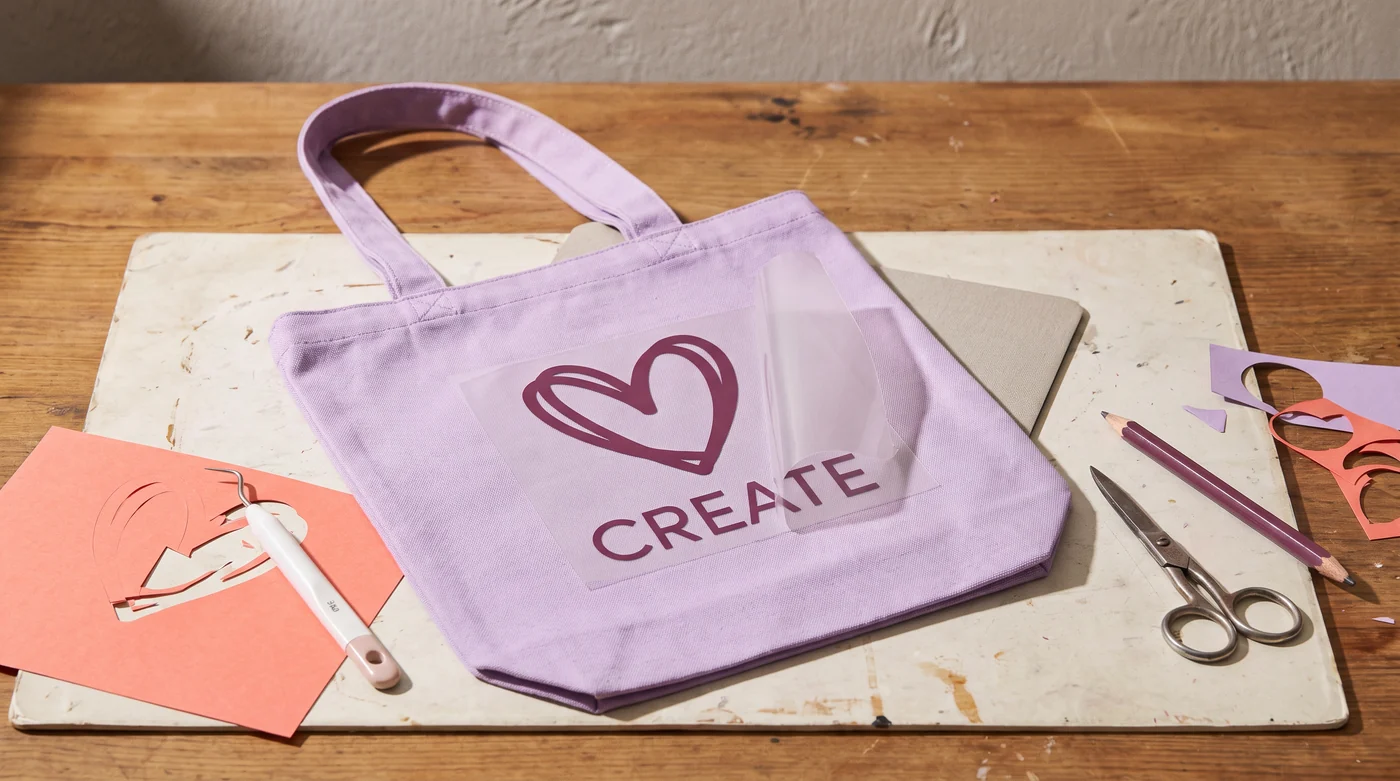
Heat-transfer work needs the blank, material and heat source identified together. Temperature, time, pressure and peel method can vary. Adhesive vinyl uses a different application process. A general craft article should not invent a universal setting.
Keep one sample
Use a representative spare blank or inconspicuous test area only where the manufacturer’s instructions permit. Inspect the outcome and follow the stated care instructions. Document the material actually used before calling a project repeatable.
Record material brand and variant, machine and tool, settings, sample photographs and the finished result. Decorative makes belong here; repairs and installed fixtures belong to Home by Doing.