GOOD MATERIALS. SMALL STEPS. SOMETHING YOURS.
Made in Steps
HomePaper crafts & cards
Subject guide

Paper crafts & cards

Start with the folded or cut object you want to make. Paper thickness, grain, finish and the intended process belong in the plan.

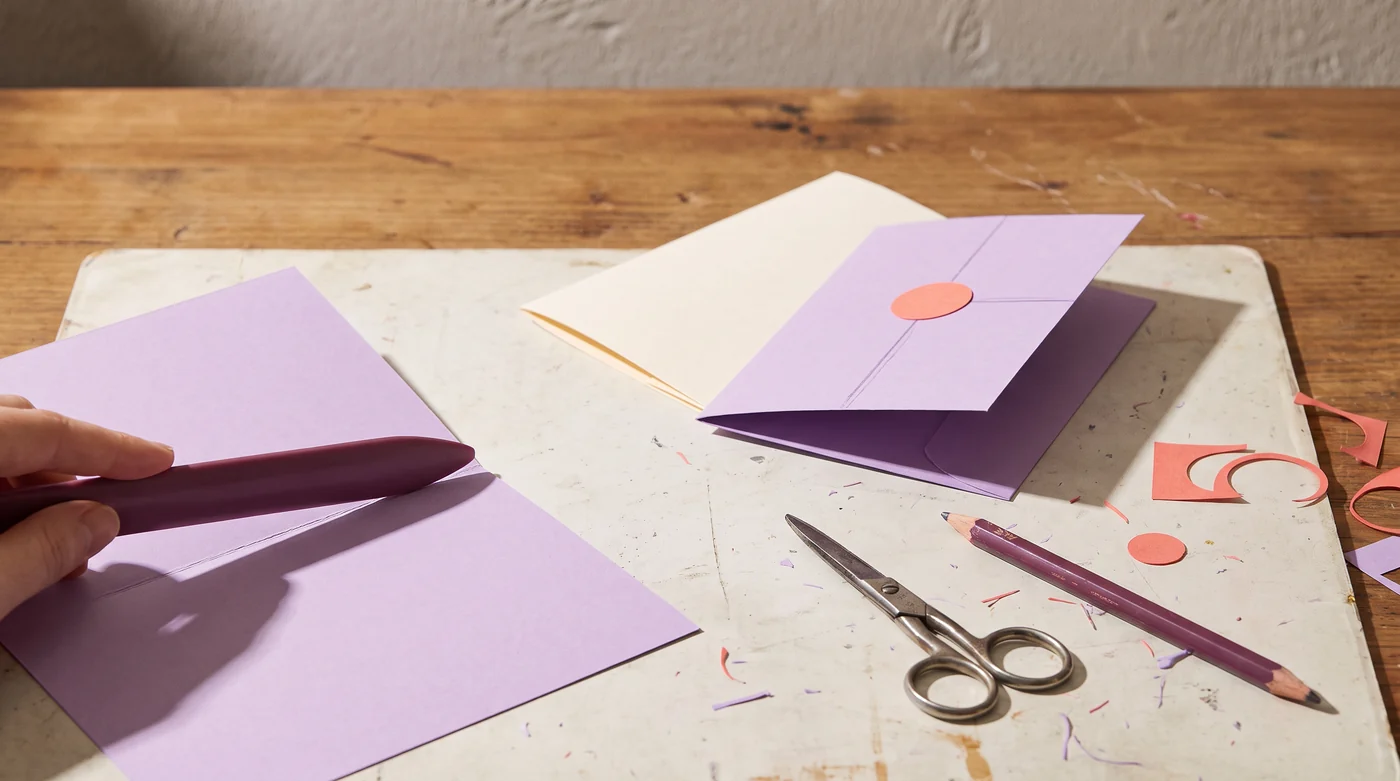
A hand creasing a lilac card beside a finished folded card.
AI-generated editorial illustration · not a product test or prescribed setup

Start with the object in your hand

A greeting card has a closed size, a fold and an opening direction. A layered ornament has a front, a back and an attachment point. Draw those features before choosing a sheet. Add any envelope or packaging requirement now: an elaborate embellishment can change the space the finished object needs even when the flat card fits comfortably.

Keep finished size and blank size separate

A simple card folded once uses two panels. If each finished panel is 105 × 148 mm and the fold runs along the 148 mm side, the unfolded blank is 210 × 148 mm. A box, pocket or gatefold uses a different layout, with its own tabs and folds. Give each cut line and fold line a different mark on your sketch so the construction remains clear when the decorative layer is added.

Let the stock and process meet in a sample

A color name does not describe the stock’s thickness, coating or fold behavior. Make a small sample with the actual material, decoration and intended fold. Check whether the print, cut edge and crease look suitable together. For a Cricut scoring workflow, the manufacturer distinguishes scoring tools and compatible machines; its wheel tools require a Maker machine and QuickSwap housing. That is a compatibility requirement, not a reason every card needs a machine.

Cricut: scoring wheel tools ↗ — Manufacturer guidance for Maker-compatible scoring wheels and their required housing.

Plan the batch after the first assembly

Use the sheet planner with the actual usable area and the blank’s bounding rectangle. Preserve the direction of a print or fold where it matters, and reserve a sample before counting the final cards. Make a short assembly order: cut, score where required, fold, decorate, dry or set under the adhesive instructions, then package. Keep the chosen stock and adhesive identifiable so another batch starts from a useful record.

Keep these details together.

  • Sheet dimensions and usable area
  • Scoring and cutting requirements
  • A small fold or cut sample

Go a little deeper.

Craft Materials & Techniques Library ↗
Paper crafts & cards: Start with the object in your hand; Keep finished size and blank size separate; Let the stock and process meet in a sample
READ THE DETAILS

Keep going with paper crafts & cards

Questions to start with

Which cardstock is best for greeting cards?

Start with the finished card, the fold, the decoration and your printer or cutting tool. Check thickness, finish and any supplier guidance alongside the paper weight. Make a fold and print sample with the actual stock. One weight number alone cannot tell you how every coated or textured sheet will behave.

Cricut: scoring tools and compatibility ↗

What are the dimensions of a 5x7 folded card?

The closed card is 5 × 7 inches. A simple side-fold blank is 10 × 7 inches, folded at 5 inches; a top-fold blank is 5 × 14 inches, folded at 7 inches. These are basic two-panel dimensions. Check stock thickness, any construction allowance and the envelope separately.

Cricut: paper scoring reference ↗

All guides · All questions

Equipment to consider

Choose for the way you use it.

As an Amazon Associate I earn from qualifying purchases. These are researched product options, not hands-on test results. Check the exact model, current price and availability on Amazon.

Model matched · suitability first

Cricut Maker 4, Seashell digital-content bundle

A cutting-machine option for repeatable material projects. Confirm supported tools, mats and software requirements; check what this specific bundle includes.

View on Amazon ↗
Made in Steps

Your privacy choices

With your permission, we use Google Analytics to understand which pages people read. We do not load Google Analytics without your consent. The calculators work with either choice.

Advertising and personalisation stay off. Your choice applies only to this site. Change it anytime using “Cookie settings” in the footer.

Privacy and storage details