
GOOD MATERIALS. SMALL STEPS. SOMETHING YOURS.
Made in Steps
Journal / Practical guidance

Fit a project onto the sheet you actually have

The usable sheet can be smaller than the material you bought.

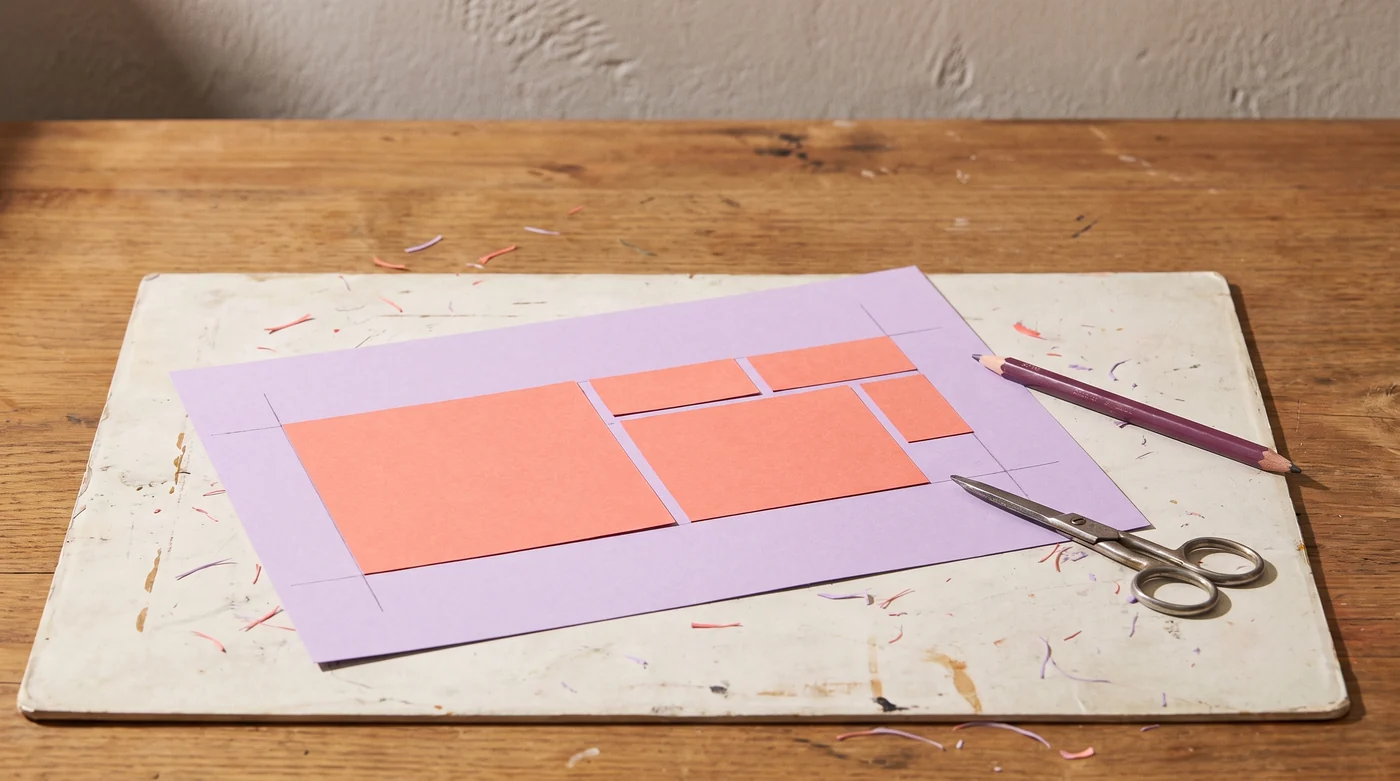
Coral paper rectangles nested on a lilac sheet beside scissors.
AI-generated editorial illustration.

Measure the working area

Subtract machine margins, unusable edges or a damaged corner before entering the width and height. The planner lays out rectangles in a regular grid. It does not read a cutting machine’s mat limits or import a design file.

Include the spacing

Enter the bounding width and height of one piece and the gap required between pieces. The gap is counted between adjacent pieces, not added around the outside of the sheet. Include any required external margin in your usable-sheet measurement.

Decide whether rotation is allowed

A rotated rectangle may fit more times, but patterned paper and fabric can have a required direction. The tool compares the two uniform orientations when rotation is allowed. It does not attempt mixed nesting or irregular-shape optimization.

Reserve the trial

Add spare pieces for a test cut or a likely handling error. The result rounds up the sheet count, shows the regular layout and reports unused area. A mathematical fit is not confirmation that a machine can cut the design or that an assembly method will work.

Record material brand and variant, machine and tool, settings, sample photographs and the finished result. Decorative makes belong here; repairs and installed fixtures belong to Home by Doing.
Sources and further reading · Our editorial approach

Back to the subject guide ↗

Fit a project onto the sheet you actually have: Measure the working area; Include the spacing; Decide whether rotation is allowed

Equipment to consider

Choose for the way you use it.

As an Amazon Associate I earn from qualifying purchases. These are researched product options, not hands-on test results. Check the exact model, current price and availability on Amazon.

Model matched · suitability first

Cricut Maker 4, Seashell digital-content bundle

A cutting-machine option for repeatable material projects. Confirm supported tools, mats and software requirements; check what this specific bundle includes.

View on Amazon ↗
Made in Steps

Your privacy choices

With your permission, we use Google Analytics to understand which pages people read. We do not load Google Analytics without your consent. The calculators work with either choice.

Advertising and personalisation stay off. Your choice applies only to this site. Change it anytime using “Cookie settings” in the footer.

Privacy and storage details